Email the team
An email for every response or paid order, with retries and history.
Get an email for every response, or every paid order, without opening Mikxx.
Set it up
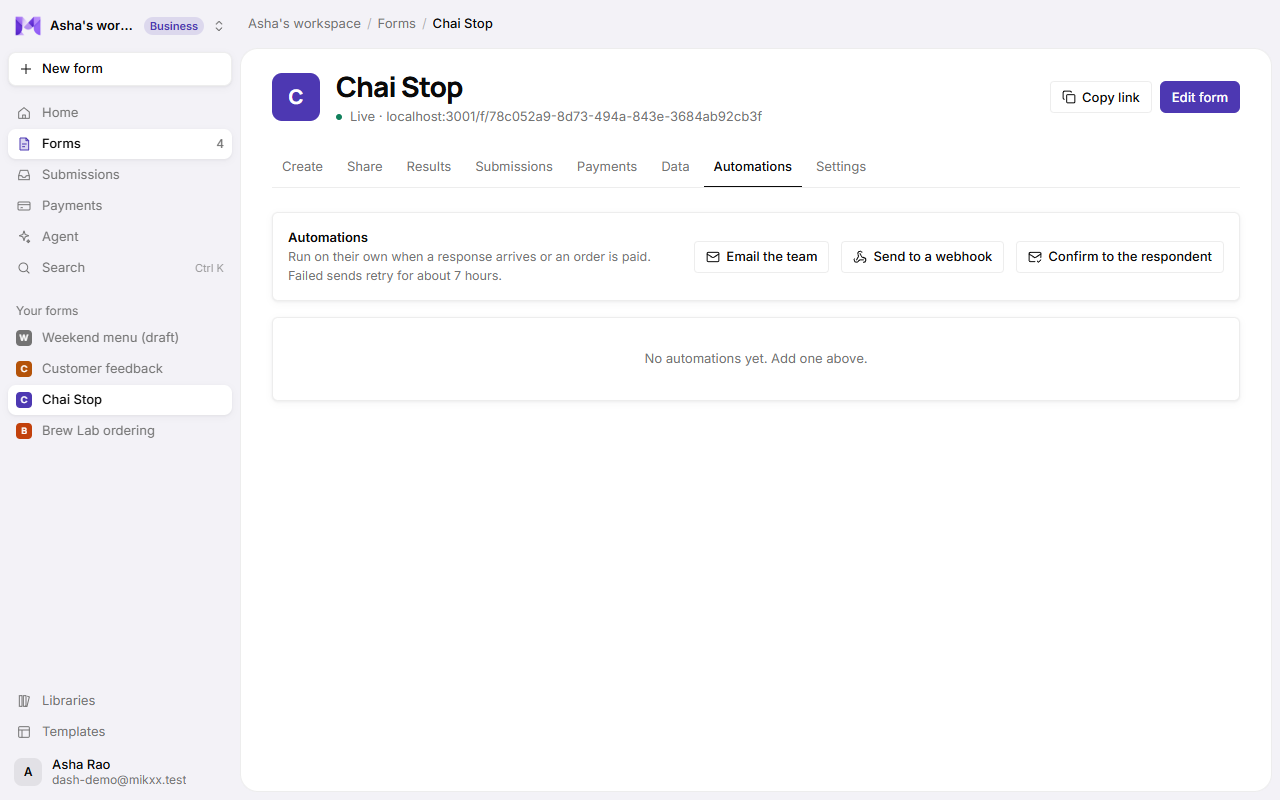
- Open the form's page → Automations → Email the team.
- Name it ("Email me new orders").
- Choose When: When a response arrives, or When an order is paid (forms that take payments).
- Tick who gets it. Only people in your workspace can be chosen.
- Click Add automation.
What the email says
The subject is "New response: form name" (or "Paid order: …"), and the body lists every answer under its question.
Manage it
Each automation shows how many emails were sent, how many are retrying, and how many failed.
| Control | Does |
|---|---|
| On / Paused | Stop or resume without losing it. |
| Send test | Sends one now with your newest response (or example answers), marked [Test]. |
| History | Every send: when, result, tries, and any error. Retry on failed ones. |
| Edit, Remove | Change who gets it, or delete it and its history. |
Good to know
- Sends that fail are retried on their own: after 30 seconds, 2 minutes, 10 minutes, 1 hour and 6 hours. After 6 tries a send is marked failed; Retry gives it a fresh set of tries.
- Emails go only to members of your workspace, so a public form can't be used to email strangers. To email the person who filled it in, use a confirmation email.
- History is kept for 90 days after a send finishes. Sends still waiting to retry are kept.
- Up to 10 automations per form.