Save and finish later
Let people save their answers, come back, or get an emailed link to finish.
Long forms, applications and registrations can let people stop and come back to their answers.
Turn it on
In the builder, open Design → Responses and switch on Finish later.
What respondents see
- Answers are saved as they go. Coming back on the same device picks up where they were.
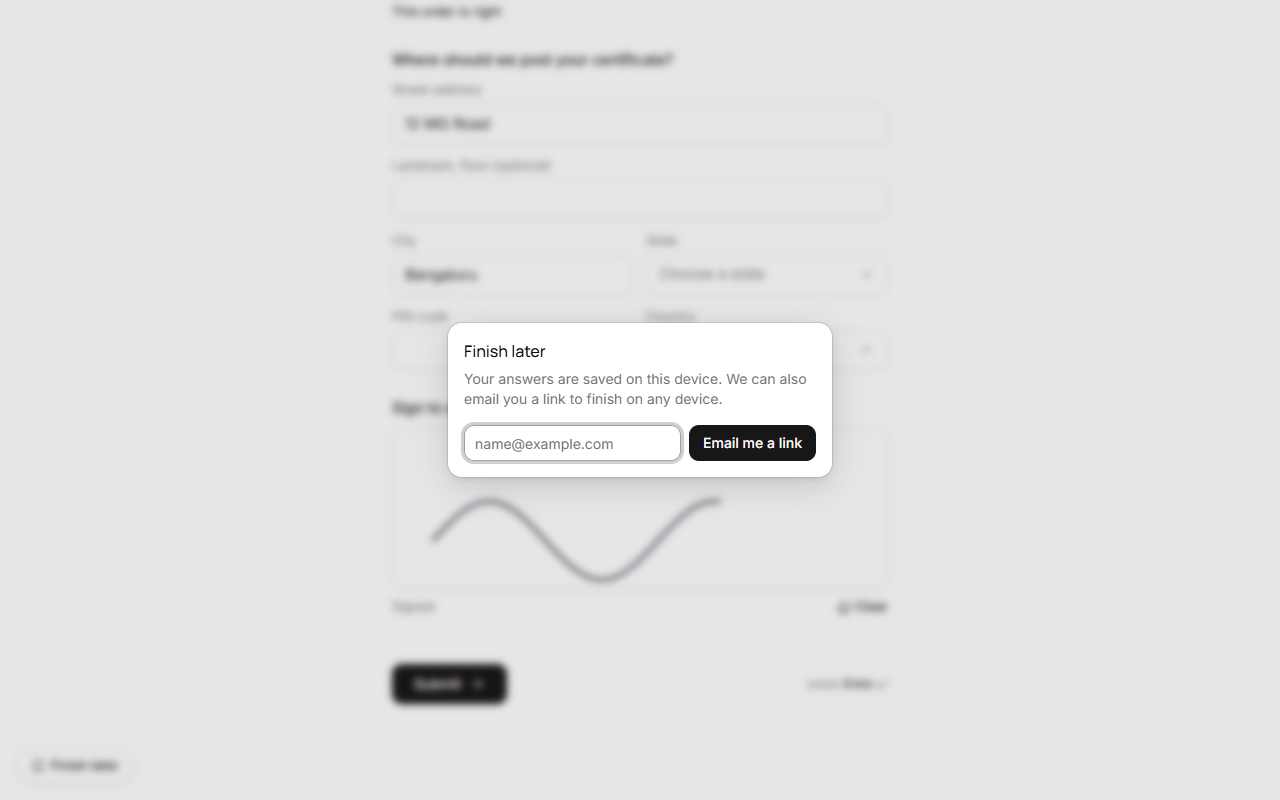
- A Finish later button stays in the corner. It can email them a link to finish on any device. At most three of these emails go to the same address in a day.
- Uploaded files aren't kept with saved answers: they're picked again before sending.
What you see
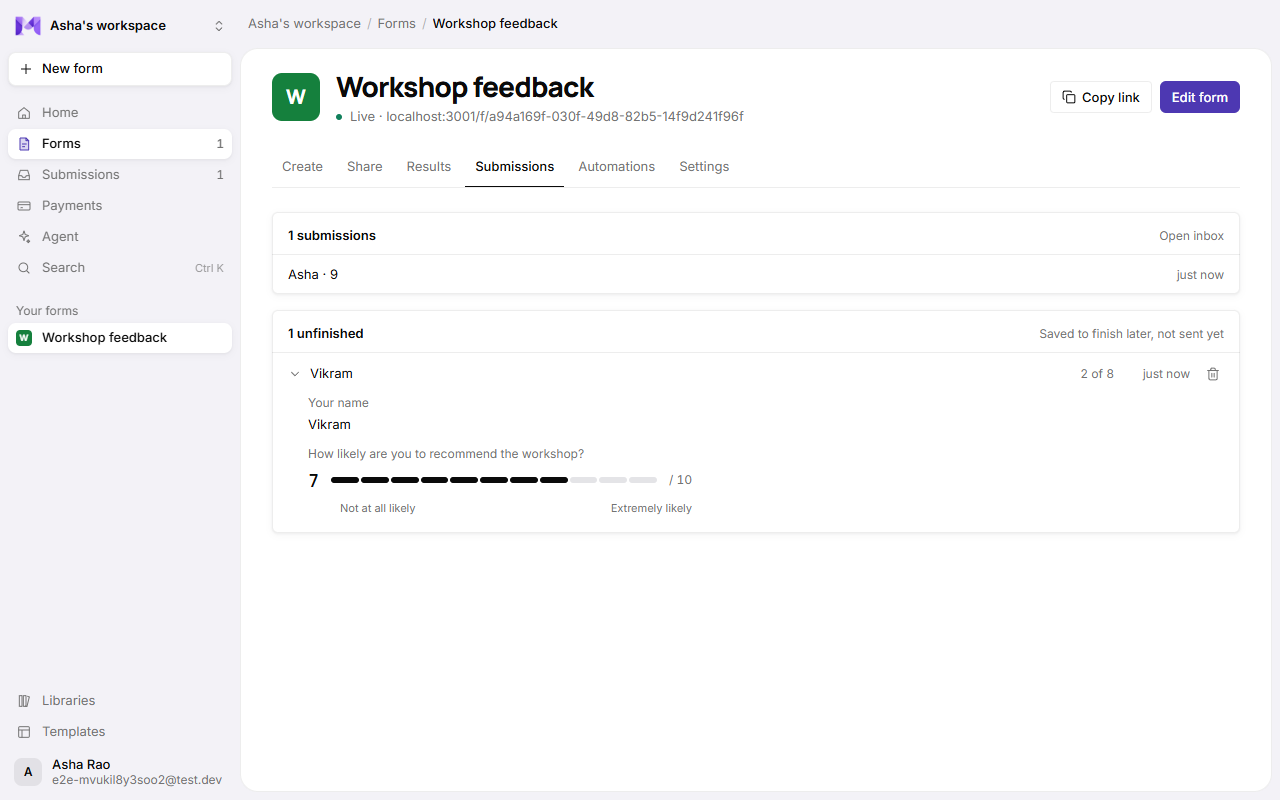
Saved answers that haven't been sent show as unfinished in the form's Submissions tab: who (when they gave a name or an email), how many questions they answered, and when. Open one to see the answers, or delete it. An unfinished response disappears once it's sent, and on its own 30 days after it was last changed.