Conditional logic
Show a question or step only when earlier answers call for it.
Show a question, a block or a whole step only when earlier answers call for it: group details only for groups, "What went wrong?" only after a low rating, a company name only for business customers. People see a shorter form, and you get only the answers that make sense.
Show a question only for some answers
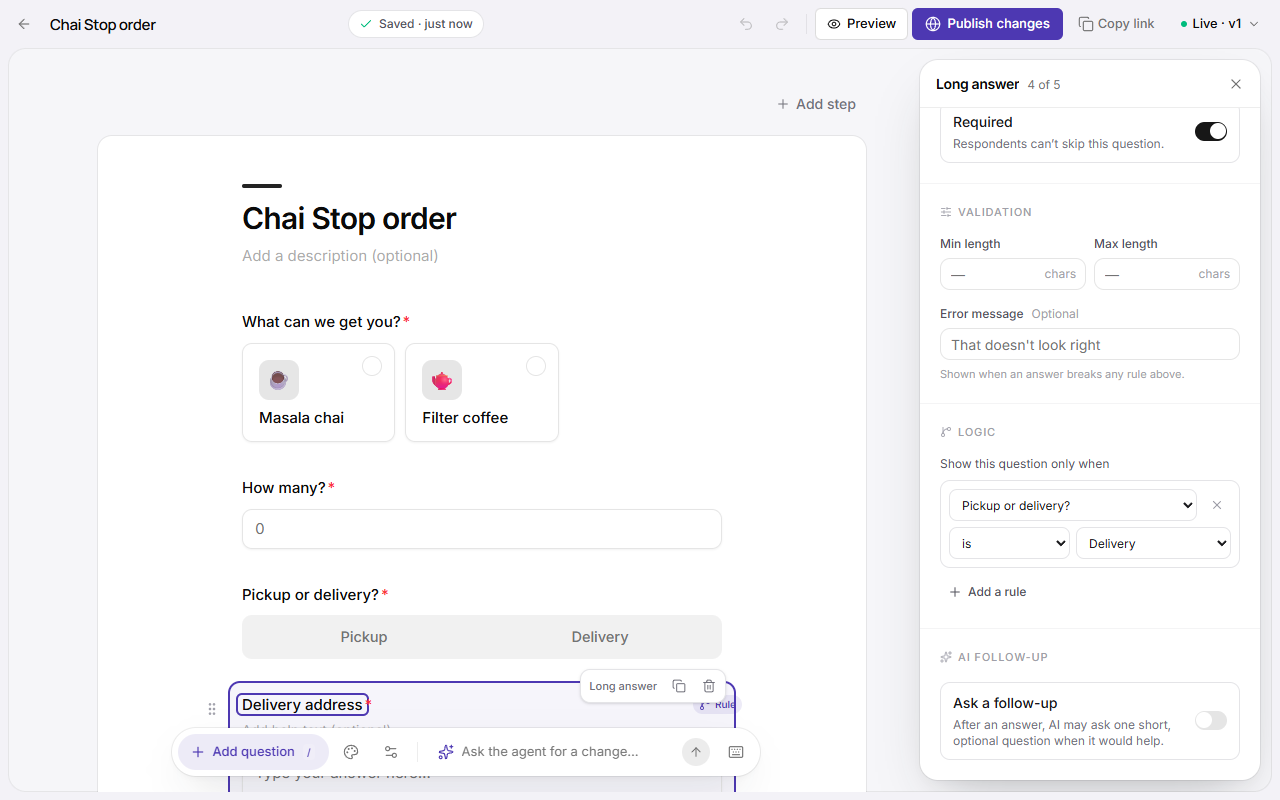
- Click the question in the builder.
- Under Logic, click Add a rule.
- Pick an earlier question, how it compares, and the answer: Booking for is A group.
- Add more rules if you need them, and choose whether all of these or any of these must be true.
A small Rule tag marks conditional questions on the page.
| Comparison | Works with |
|---|---|
| is, isn't | Any question; pick from its options when it has them |
| includes, doesn't include | Multiple choice: true when that option is one of the picks |
| is more than, is at least, is less than, is at most | Numbers, sliders, ratings, scales and calculations |
| is answered, isn't answered | Any question |
Show a whole step only for some answers
On a multi-step form, open the step (from the second one on) and click Logic beside its name. The same rules apply; when they're false, the whole step is skipped, and progress counts only the steps people will see.
How it behaves
- Rules can only look at questions that come earlier in the form, so the flow always moves forward and can't loop.
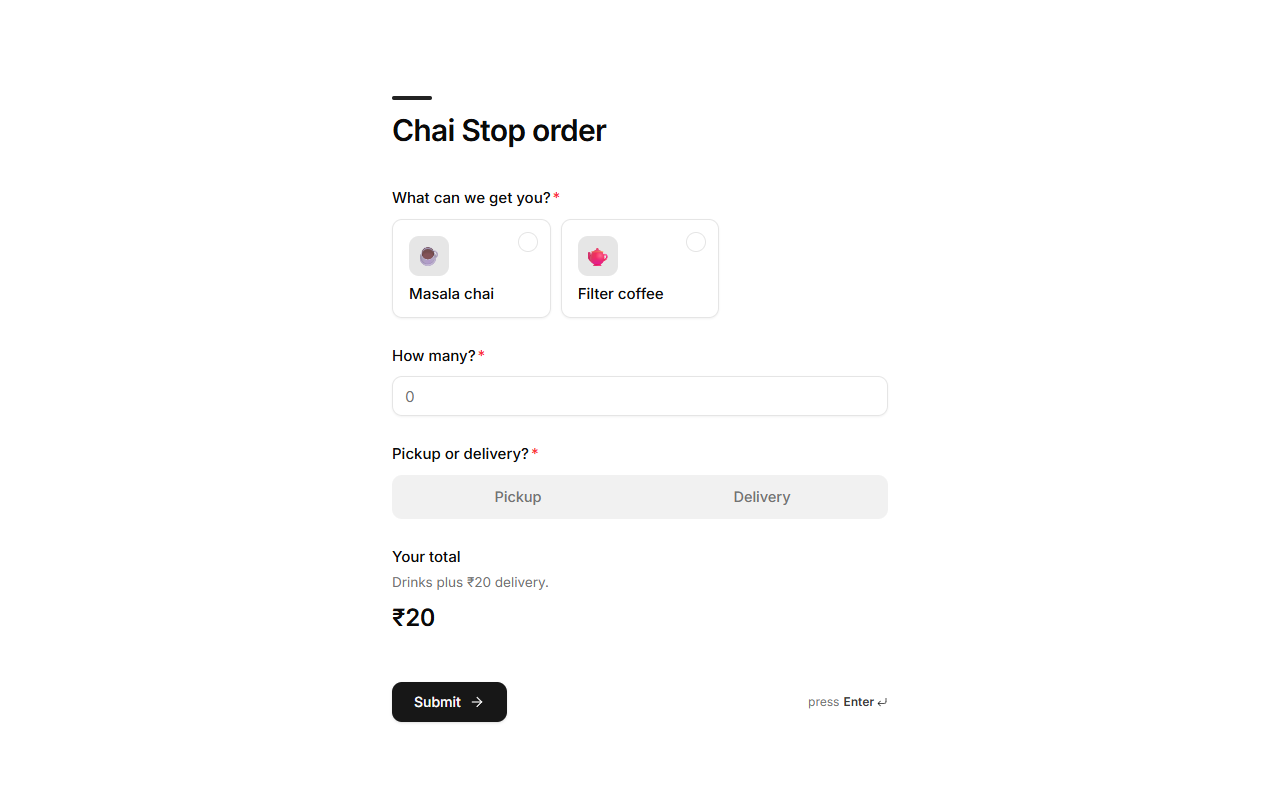
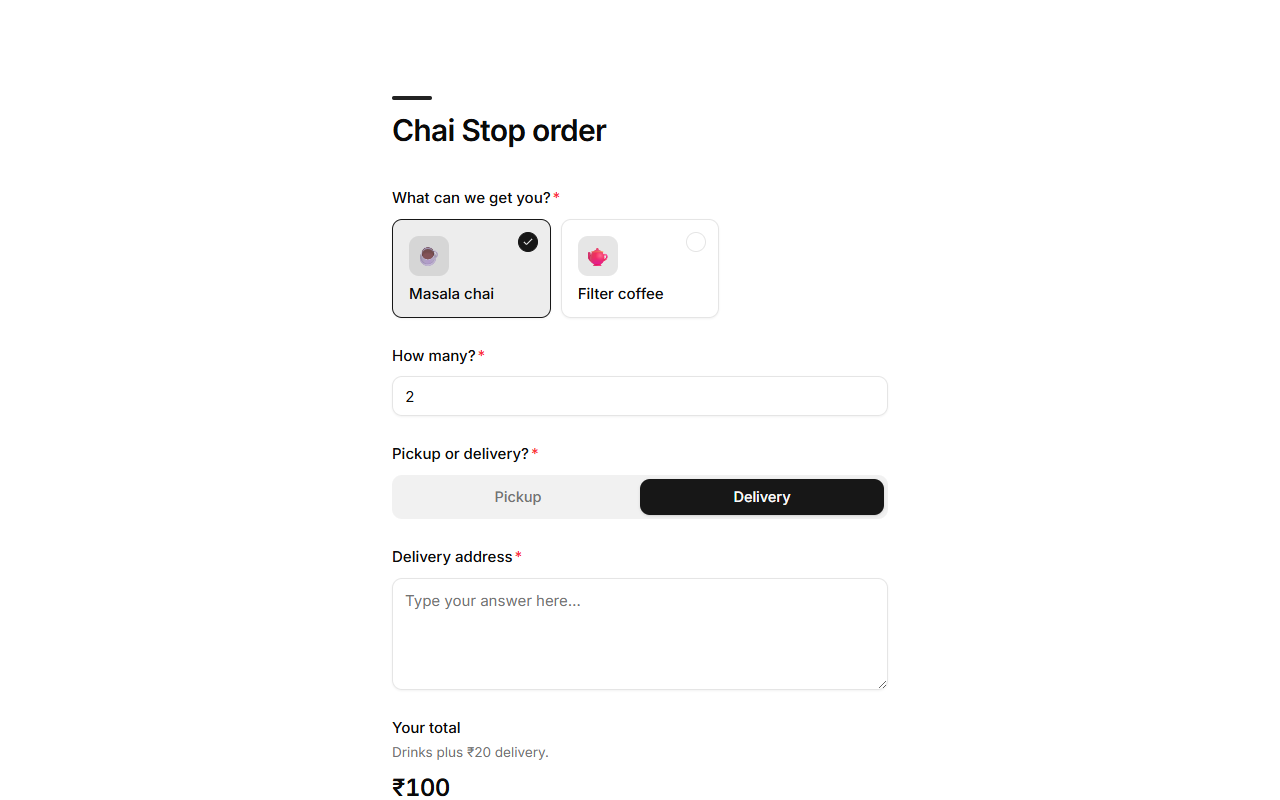
- A hidden question is never required, even when it's marked required.
- If someone changes an answer and a question hides, what they typed there isn't sent. Change it back and their answer is still there.
- Mikxx checks the rules again when the form is sent, so hidden answers are never stored, priced or booked, whatever a browser sends.
- With no rules, a question always shows.
Ask the agent
"Only ask for the company name if they're a business", "skip the dietary step if they're not staying for lunch": the agent writes the rules for you.
Good to know
- Moving a question above the one its rule looks at makes the rule invalid; the builder tells you when you try to save.
- Rules compare text without minding capital letters.
- See Calculations and answer piping to work out totals and say answers back to people.