Bookings that fill up
Each booking takes a spot; full ones drop out; cancelling gives it back.
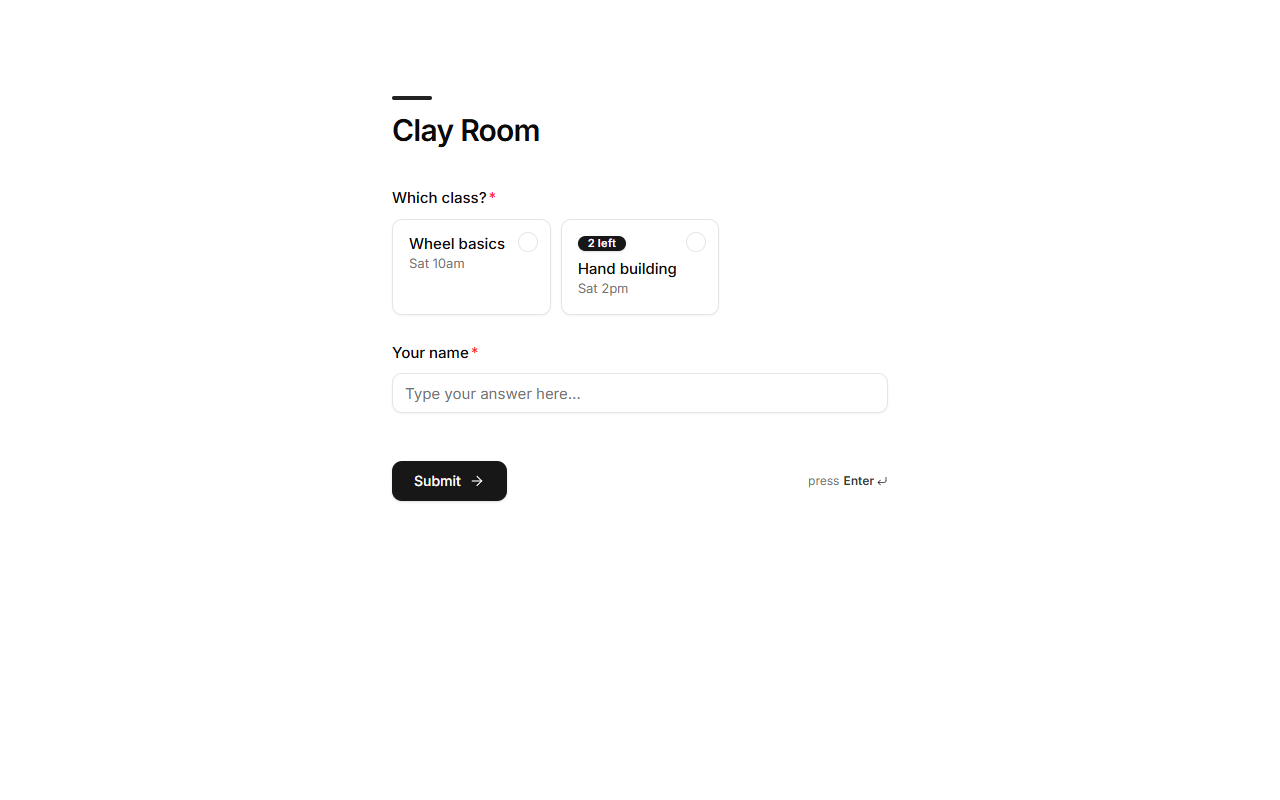
When a choice comes from a list with a spots field (classes, sessions, tables, slots), each booking takes a spot, and full options disappear.
How it works
- Taking a spot: a booking takes one spot from the chosen record at the moment it's submitted. Two people can't take the last spot: the second sees it's full.
- Full: a record with no spots left drops out of the options. Options with few left show a badge ("2 left").
- Giving it back: cancelling a booking (status Cancelled) or deleting it returns its spot. Bringing a cancelled booking back takes the spot again, if it's still free.
Edit a booking
Open the booking in Submissions and change its answers, for example move someone to another class. The spot moves with it, and the price follows the new answers. If the new class is full, you're told and nothing changes.
Set it up
- Ask the agent for "a booking app where classes fill up", or
- make a list with a number field for spots left, then point a choice question at it and choose that field as Spots left.
Good to know
- You can change spots any time in the Data tab, e.g. to add capacity.
- A booking holds exactly the spots it took, so editing and cancelling always return the right number.