Customer sign-in
Sign in by emailed code; see past orders and lists meant for customers.
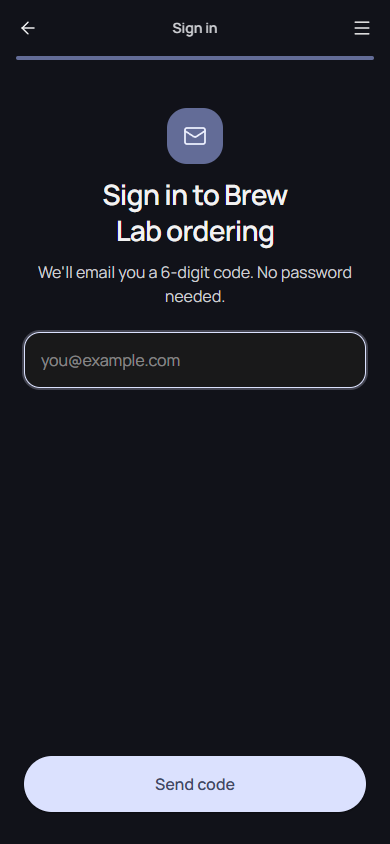
Customers can sign in to your app with their email address, no password needed. Signed-in customers see their past orders, lists meant for them, and entries they added.
How customers sign in
- They tap Sign in in the app's menu, or on a screen that needs it.
- They enter their email and get a 6-digit code.
- They enter the code and stay signed in on that device.
Each app has its own customers: signing in to one app doesn't sign anyone in to another.
Require sign-in
Switch on Require sign-in in the app's design settings, or ask the agent. Customers then sign in before they can order.
What signed-in customers get
- Your orders: every order they placed with this app, with its status and payment.
- Lists for signed-in customers become visible. See Lists.
- Their own entries on lists that take them. See Customer entries.
Good to know
- Codes expire after 10 minutes, and requests are limited per email and per device.
- Payment receipts go to the customer's sign-in email.