Lists
Records you manage, their field kinds, who sees them and who adds to them.
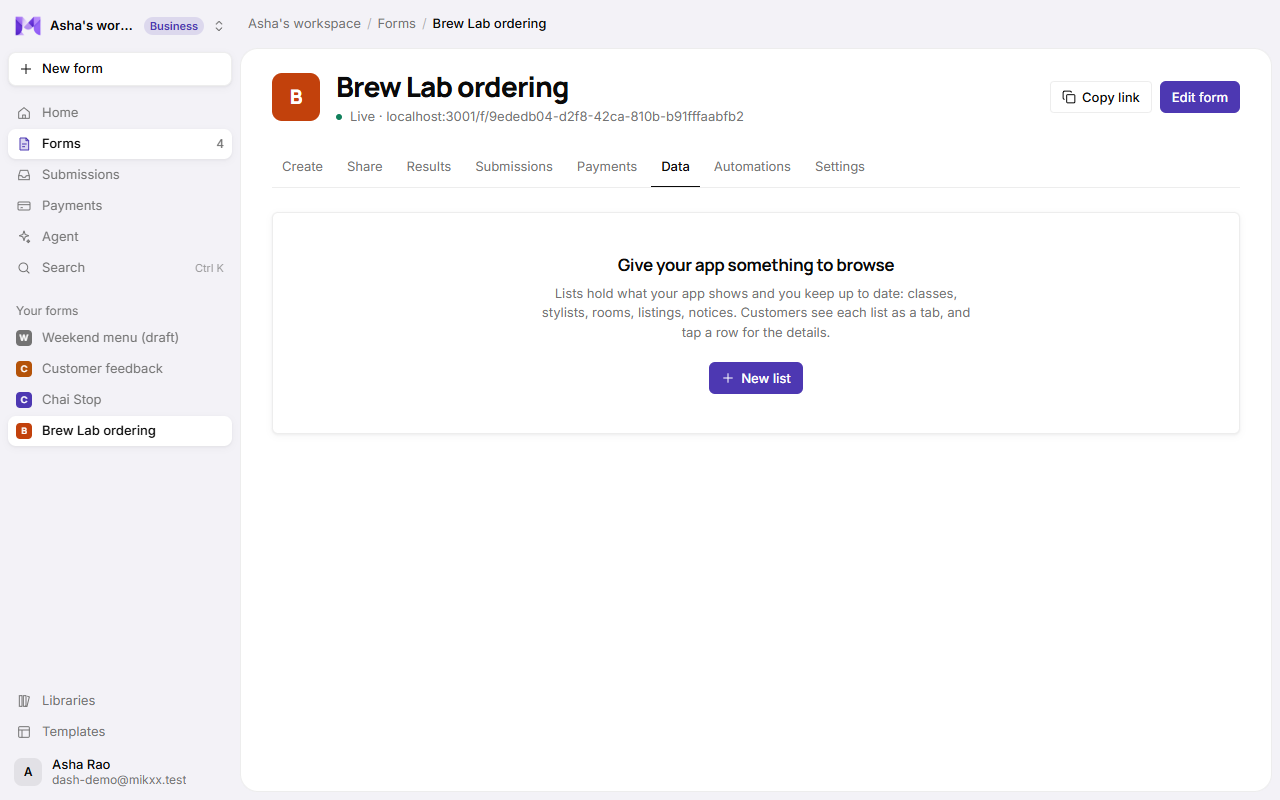
A list is a set of records you manage: a menu, classes, rooms, teachers, products. Customers browse it in your app, and questions can take their options from it.
Make a list
- Open the app's page → Data → New list.
- Name it ("Classes") and add its fields.
- Choose Who can see it and Who adds entries.
- Add records with Add record, or let the agent create the list with starting records.
Field kinds
| Kind | Holds |
|---|---|
| Text | A name, a short value. |
| Long text | A description. |
| Picture link | A link to an image, shown as a picture. |
| Link | A web address, shown as a link. |
| Number | A count, like spots left. |
| Price | An amount in your currency. |
| One of a list | One option you define (a level, a category). |
| Several of a list | Several options (days of the week). |
| Yes / no | A flag, like "Sold out". |
| Date, Time | When something happens. |
| Email, Phone | Contact details. |
| Rating | Stars. |
| Link to another list | One record of another list, like a class's teacher. See Linked lists. |
Every record is checked against its fields when it's saved: required fields, number formats, options that exist.
Who can see it
| Setting | Means |
|---|---|
| Anyone with the link | Every visitor to the app can browse it. |
| Signed-in customers | Customers see it after signing in. |
| Only you | It never shows in the app; use it for your own records. |
Who adds entries
| Setting | Means |
|---|---|
| Only you | You add and edit records in the Data tab. |
| Signed-in customers, everyone sees them | Customers add entries everyone can read, like reviews. |
| Signed-in customers, each sees their own | Customers add entries only they see, like their pets or addresses. |
See Customer entries.
Limits
- Up to 10 lists per app and 2,000 records per list.
- A list another list links to can't be deleted until the link is removed.
- Removing a field hides its values; they come back if you add the field again.