Customer entries
Reviews everyone reads, or records each customer keeps to themselves.
Let signed-in customers add records to a list: reviews everyone can read, or details only they see, like their pets, vehicles or addresses.
Turn it on
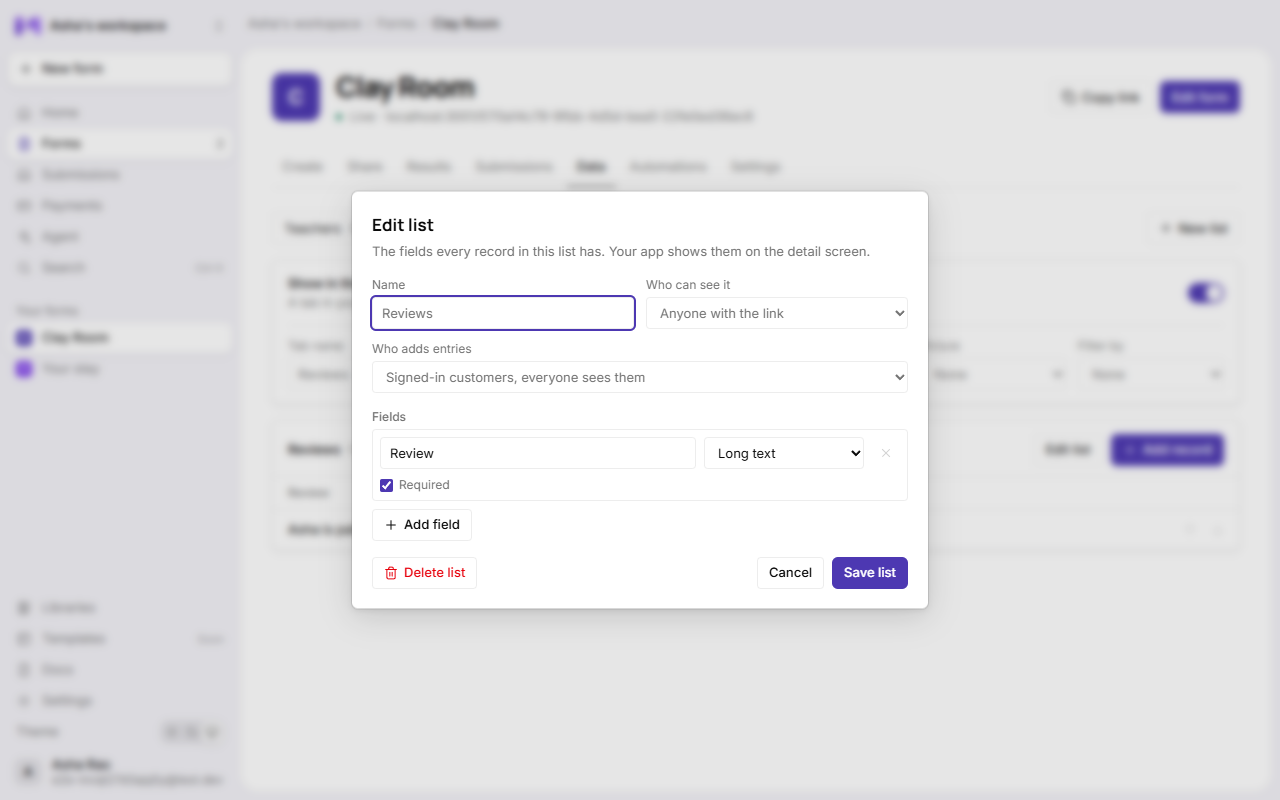
Open the list in the Data tab → Edit list → Who adds entries:
| Setting | Customers can | Others see |
|---|---|---|
| Signed-in customers, everyone sees them | Add entries, and edit or delete their own. | Every entry, like any record. |
| Signed-in customers, each sees their own | Add entries, and edit or delete their own. | Nothing: each customer sees only theirs. |
What customers see
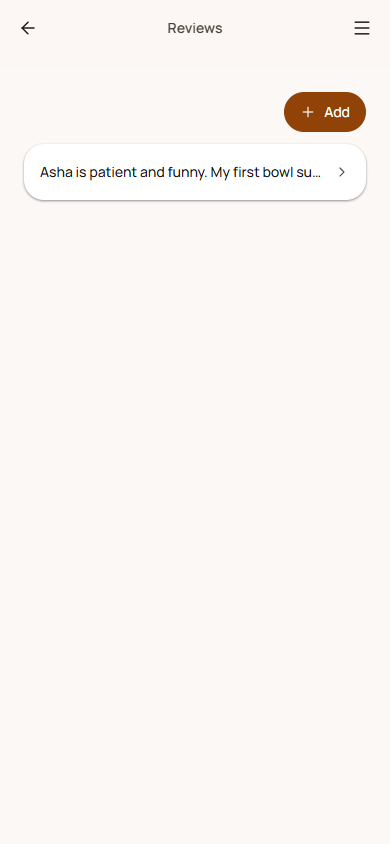
- An Add button on the list's screen (they sign in first if they haven't).
- A form built from the list's fields, with a message under any answer that doesn't fit.
- Edit and Delete on their own entries, never on anyone else's.
What you see
Every entry, in the Data tab, with by and the customer's email under ones customers added. You can edit or delete any of them.
Limits
- 50 entries per customer per list, within the list's 2,000.
- Changes are rate-limited per customer, and only accepted from your app's own pages.
- Entries are checked against the list's fields exactly like the ones you add.