Choices from a list
Options, prices and pictures that come from a list and stay current.
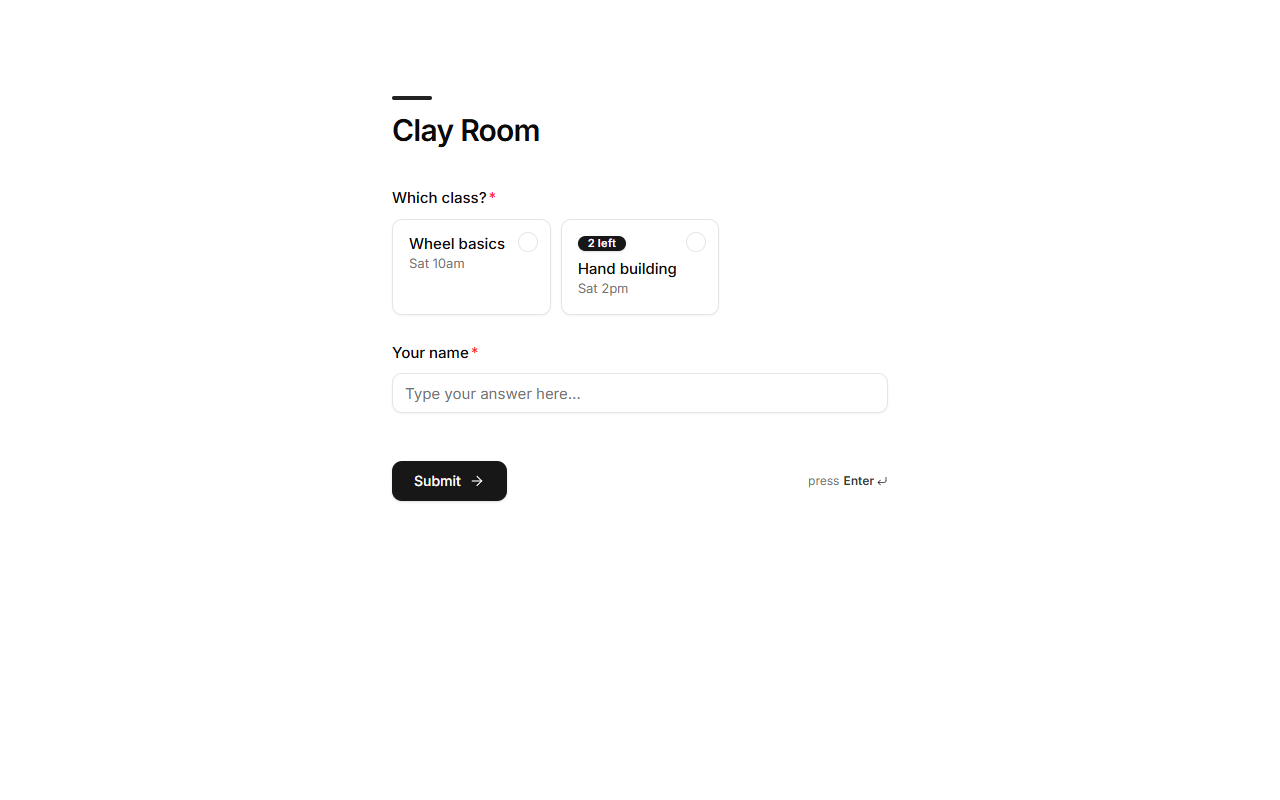
A choice question can take its options from one of your lists instead of typed-in options: a menu question reads the Menu list, a class question reads Classes. Change the list and the question changes with it.
Set it up
- Select a single-choice question in the builder.
- Under Options from a list, choose From a list (instead of Type them) and pick the list.
- Choose which of its fields to use:
| Setting | Used as |
|---|---|
| Option name | Each option's name. |
| Price | The option's price, added to the total on paid forms. |
| Picture | The option's picture on cards. |
| Description | A line under the option. |
| Only show when (yes/no) | A yes/no field; records set to "no" are hidden. |
| Spots left (each booking takes one) | A number field; makes the question a booking. See Bookings. |
How it stays right
- Options refresh whenever the list changes, including in the published version, so customers always see what's actually available. No need to republish.
- Prices always come from the list on the server, never from the customer's browser.
- An option removed or sold out since the customer opened the form is refused when they submit, with a message to pick again.