Close on a date or when full
Stop taking responses on a date or after a number of them, with your own closed message.
A form can stop taking responses by itself: on a closing date, after a number of responses, or whichever comes first. Use it for registrations with a deadline, limited seats, or the first 50 orders.
Set it
In the builder, open Design → Responses:
- Close on: the date and time it closes, in your time zone.
- Or after: the number of responses it takes.
Then publish the change. Leave both empty to keep it open.
What people see once it's closed
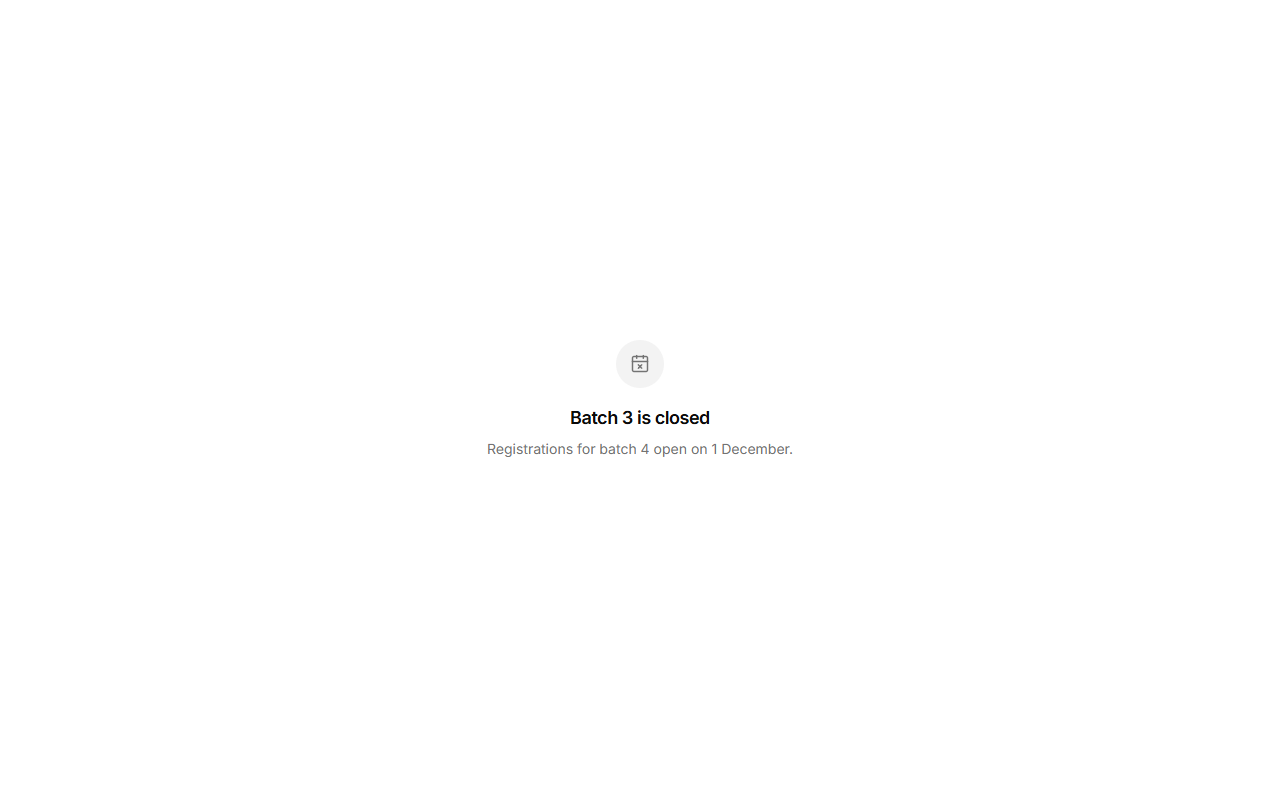
Instead of the questions, a short page: "This form has closed" (after the date) or "This form is full" (after the limit). Write your own closed title and closed message to say what happens next, like where to follow you for the next batch.
A response sent after it closes is refused, even from a page that was opened earlier.
To open it again, move the date, raise the limit or clear them, and publish.