Publish and unpublish
Draft, live and archived, and what's checked before a form goes live.
A form is in one of three states. Only live forms take responses.
| State | Means | Public link |
|---|---|---|
| Draft | Being built; nobody else can open it. | Not available |
| Live | Open to anyone with the link. | Works |
| Archived | Closed; keeps everything it collected. | Shows that it's closed |
Change the state
| From | How |
|---|---|
| The builder | Publish on a draft; the Live menu to Unpublish or Archive; Reopen on an archived form. |
| The form's page | Settings → Status: Live or Draft. |
| The agent | "Publish it", "unpublish it", "close this form". |
Before it goes live
Mikxx checks the form can actually be answered: every question has a label, and every choice question has distinct, non-empty options. If something's missing, publishing stops and tells you exactly what to fix.
What publishing saves
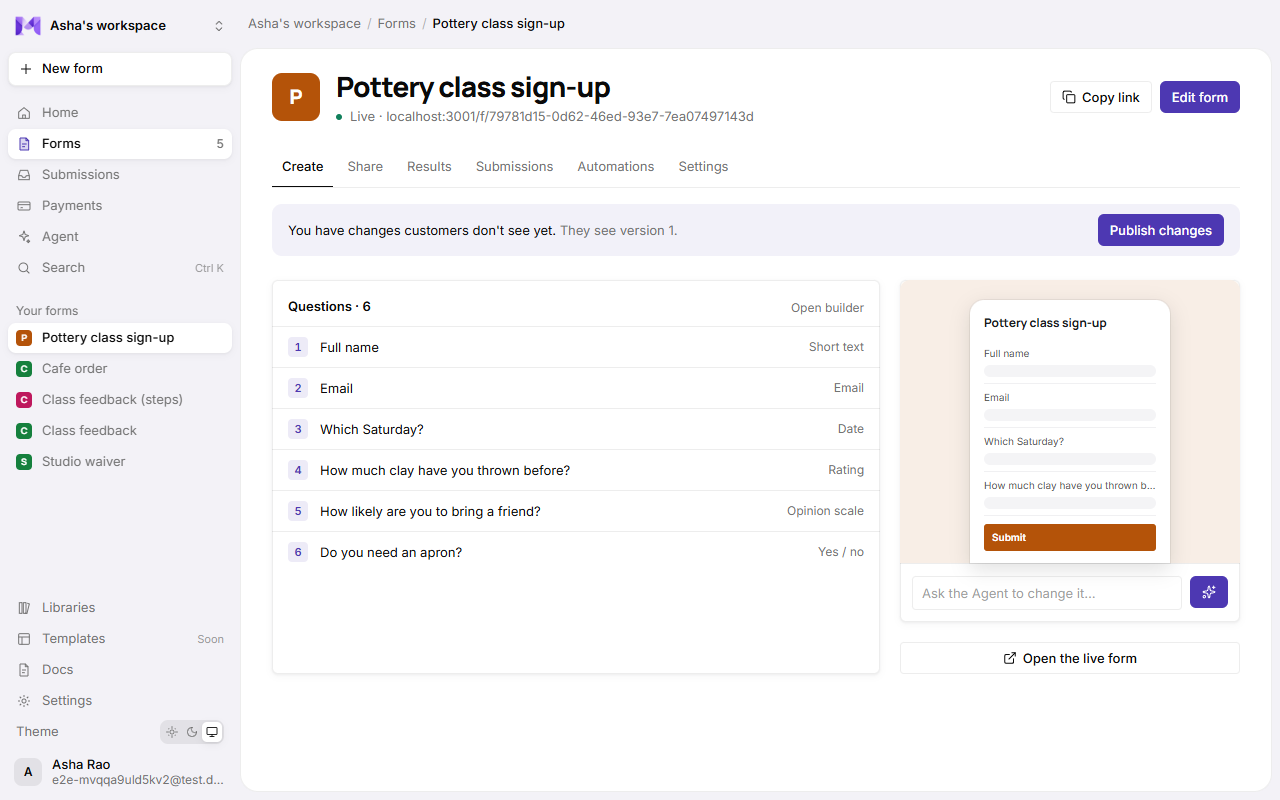
Going live saves the form as a numbered version, and that version is what respondents see. Editing afterwards changes your working copy only, until you Publish changes: in the builder's top bar, or on the bar the form's page shows above every tab while there are changes customers don't see yet. That includes changes made outside the builder, like showing a list in the app. See Versions.
Good to know
- Unpublishing doesn't delete anything: responses, payments and lists stay.
- Deleting a form (Settings → Delete form, confirmed twice) removes it and all its responses. It can't be undone.