Your own domain
Serve your forms at forms.yourshop.in instead of app.mikxx.com.
Serve your live forms on your own address, like forms.yourshop.in, instead of
app.mikxx.com. Customers see your name in the link, and everything works the same: answers,
payments, sign-in and automations.
Custom domains come with Pro (one domain) and Business (up to five). See Plans and billing.
Connect a domain
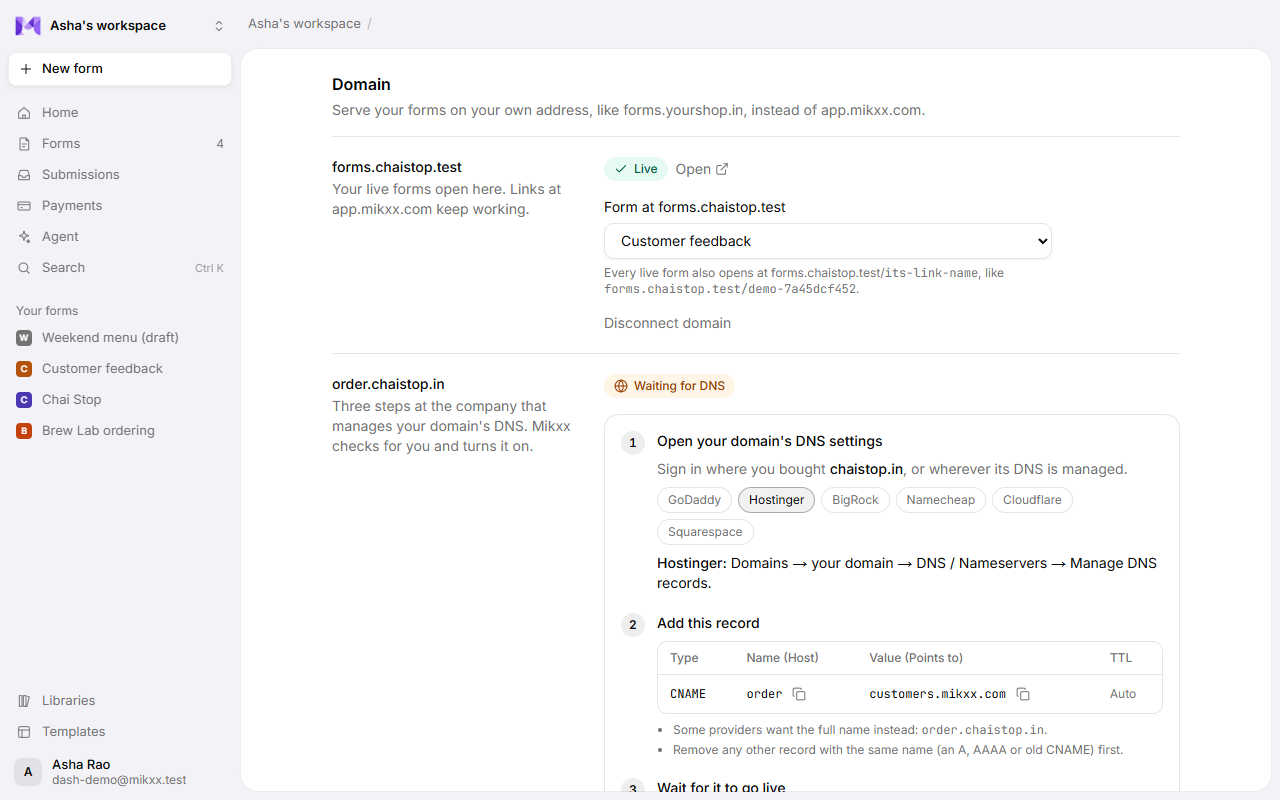
Open Settings → Domain, type the address you want, like forms.yourshop.in, and click
Connect. Use a subdomain (forms., book., order.…) of a domain you own. The domain shows
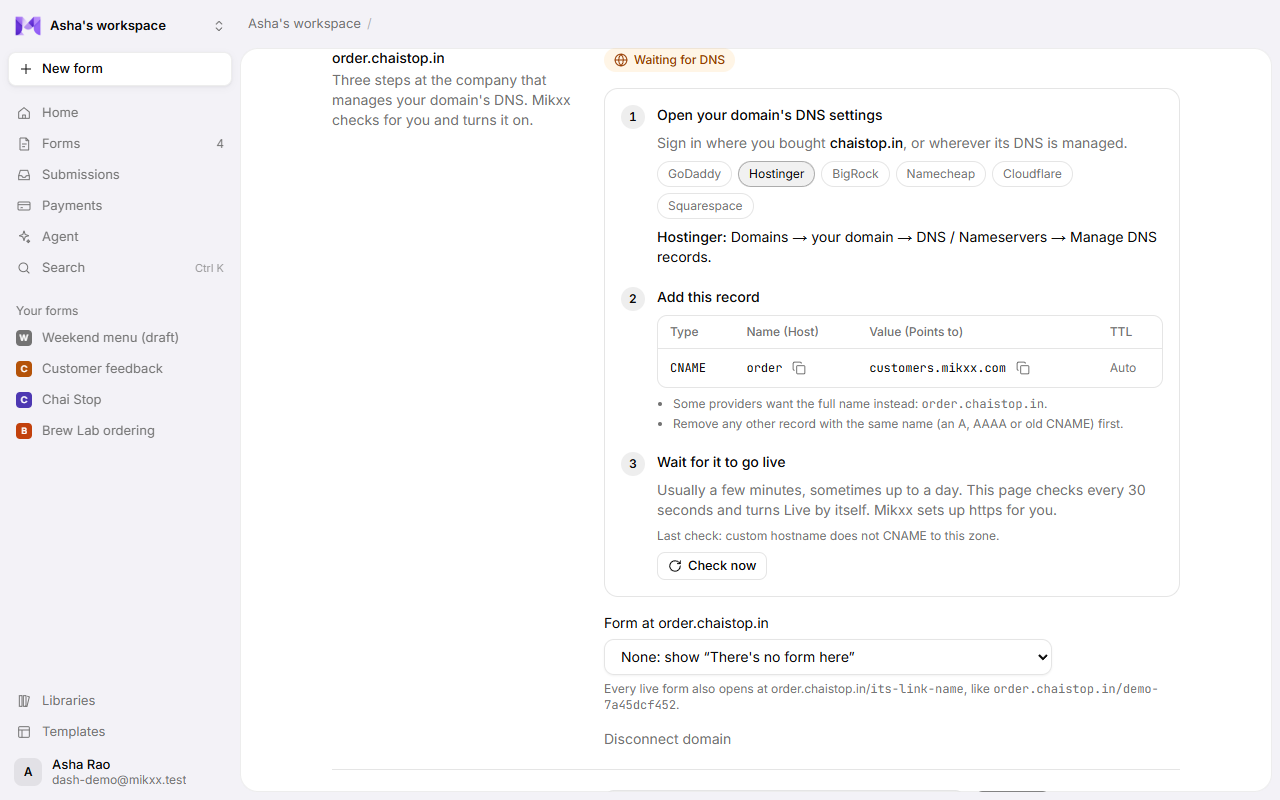
Waiting for DNS with three steps, each with what to copy:
1. Open your domain's DNS settings. Sign in where you bought the domain, or wherever its DNS is managed. Pick your provider in Mikxx to see where to click:
| Provider | Where |
|---|---|
| GoDaddy | My Products → your domain → DNS → Add New Record |
| Hostinger | Domains → your domain → DNS / Nameservers → Manage DNS records |
| BigRock | Manage Orders → your domain → DNS Management → CNAME Records → Add CNAME Record |
| Namecheap | Domain List → Manage → Advanced DNS → Add New Record |
| Cloudflare | Your domain → DNS → Records → Add record, with Proxy status set to DNS only (grey cloud) |
| Squarespace (and former Google Domains) | Domains → your domain → DNS → Custom records |
2. Add this record. Copy each value with its button:
| Type | Name (Host) | Value (Points to) | TTL |
|---|---|---|---|
| CNAME | forms | customers.mikxx.com | Auto |
Most providers add your domain to the name themselves, so the name is just the part in front
(forms). If yours asks for the full name, use forms.yourshop.in. Delete any other record with
the same name (an A, AAAA or old CNAME) first.
If the address was connected to another Mikxx workspace before, Mikxx also asks for a TXT
record (Name _mikxx.forms, Value mikxx-verify=…). It proves the domain is yours, so nobody can
take over an address someone else left pointing at Mikxx. You can delete it once the domain is
Live.
3. Wait for it to go live. Usually a few minutes, sometimes up to a day while DNS spreads.
Settings checks every 30 seconds and turns Live by itself; Check now looks straight away.
Mikxx sets up the secure https:// certificate for you.
What opens where
| Address | Opens |
|---|---|
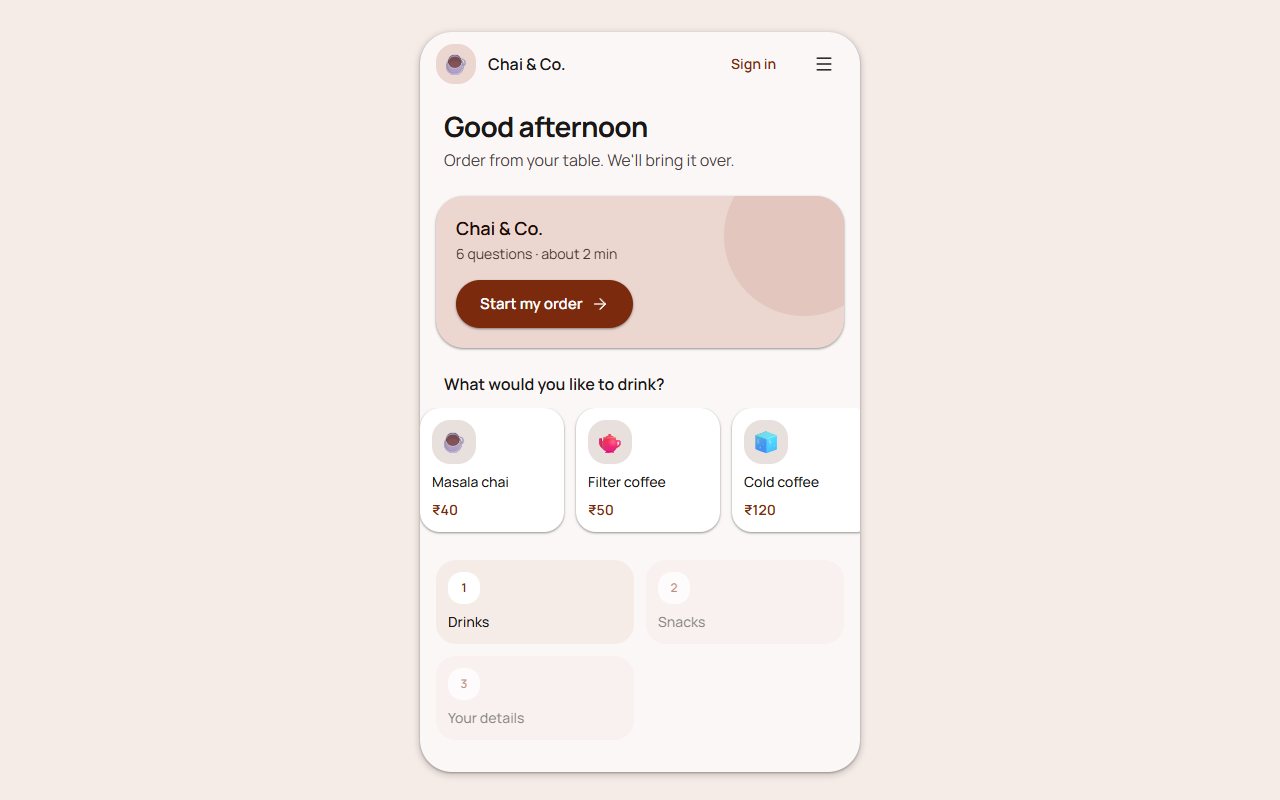
forms.yourshop.in | The form you pick under Form at forms.yourshop.in, or a "There's no form here" page. |
forms.yourshop.in/order-cake | Your live form whose link name is order-cake (the end of its usual link). |
forms.yourshop.in/f/… | Any of your live forms, by its usual link. |
Only your workspace's live forms open on your domain. Drafts, other workspaces' forms and
the Mikxx app itself (sign-in, dashboard) don't exist there. Your links on app.mikxx.com keep
working too.
Good to know
- While it's waiting, Settings says what it found, for example "No DNS record for forms.yourshop.in yet", "has an A record (…) instead of the CNAME" or "points to … not customers.mikxx.com". Fix that at your provider; Mikxx checks again by itself, or click Check now. "Couldn't verify" means the checks timed out: fix the record, then Check again.
- A whole domain (
yourshop.inwith nothing in front) usually can't take a CNAME; Settings warns you. Disconnect it and connect a subdomain. - Changing plans: moving to Free keeps the domain connected but pauses it; it comes back when you upgrade. On Pro with more than one domain, only the first one you connected stays live.
- Disconnect removes the domain from Mikxx. Delete its CNAME at your DNS provider too, so the name doesn't keep pointing at Mikxx.
- Only owners and admins can connect, change or disconnect a domain.