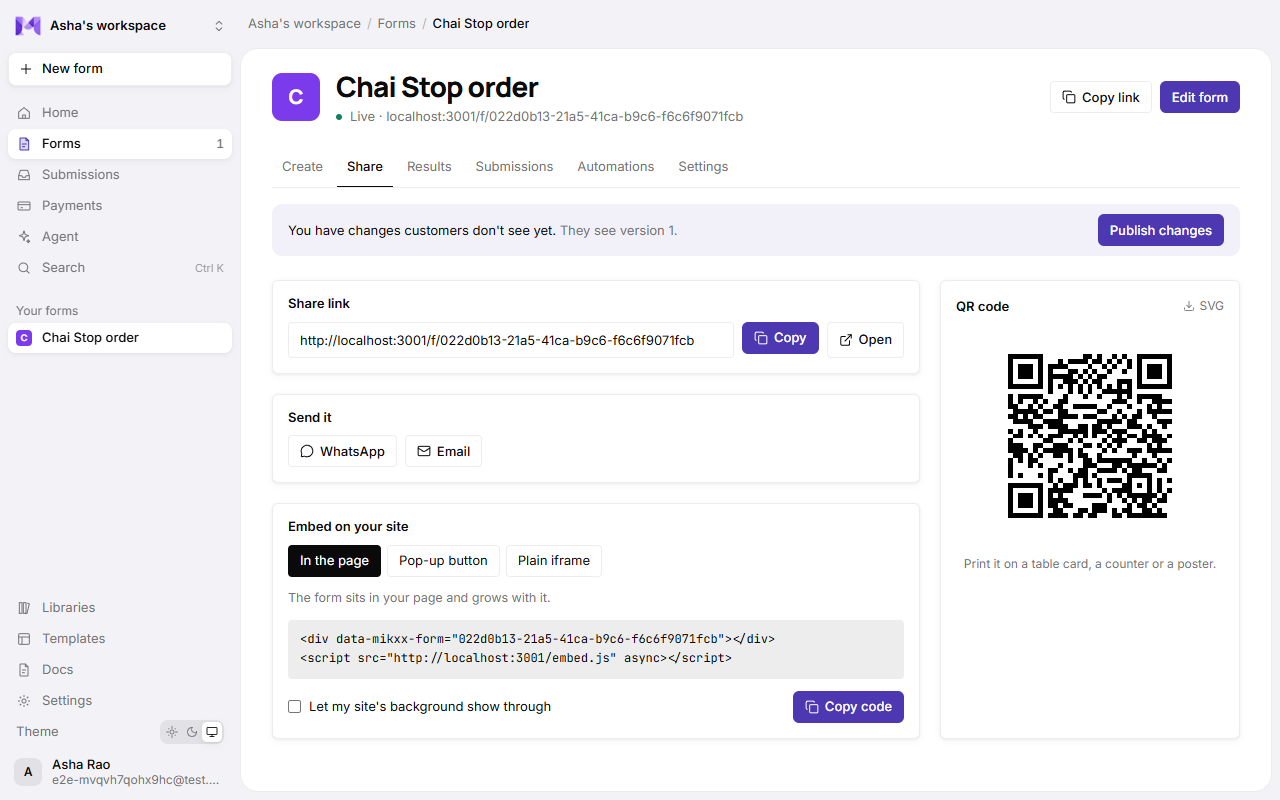
Embed on your site
Put a live form on your own website, in the page or as a pop-up.
Put a live form on your own website, so people answer without leaving it. It's the same form as its link: answers, payments and automations all work the same.
Get the code
- Open the form's page → Share → Embed on your site. (The form must be live.)
- Pick how it should appear:
| Choice | Looks like | Best for |
|---|---|---|
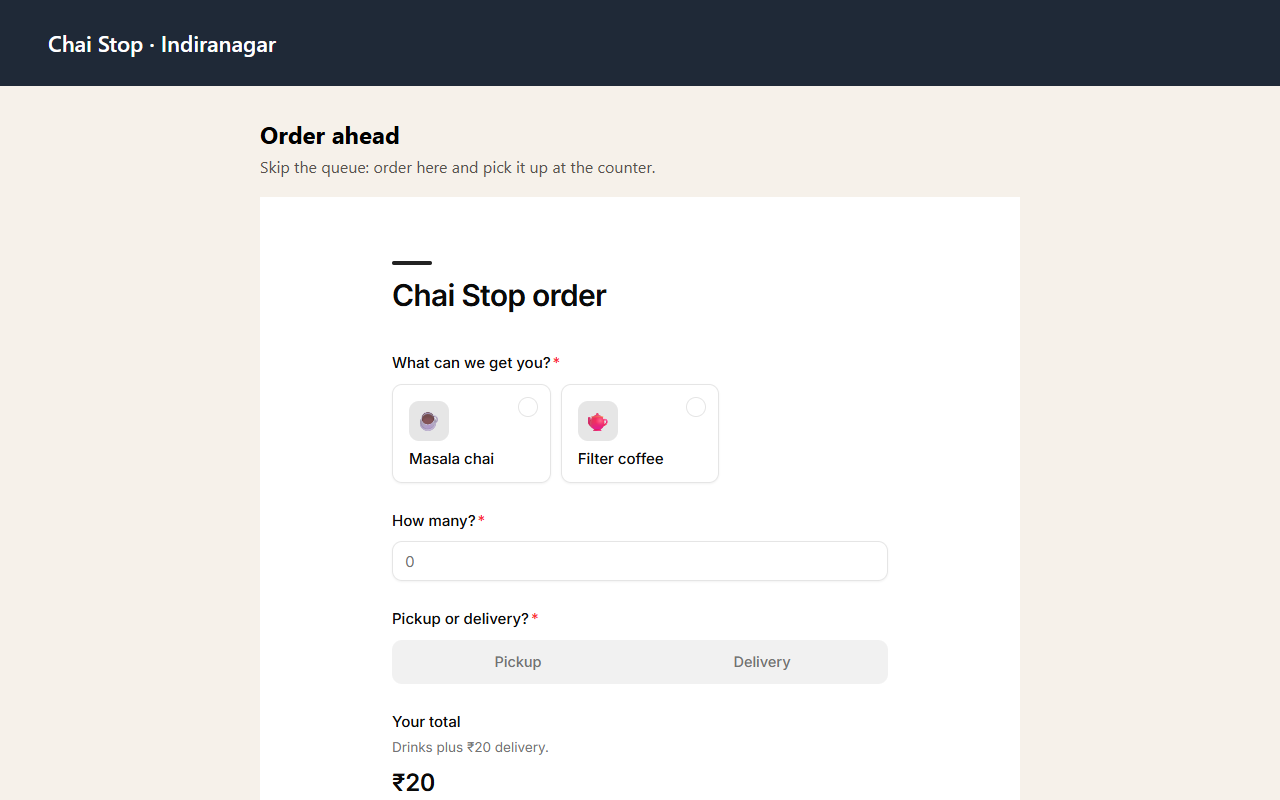
| In the page | The form sits in your page and grows and shrinks with it. | Most sites. |
| Pop-up button | A button that opens the form over your page. | A "Book now" or "Order" button. |
| Plain iframe | A fixed-size frame. | Site builders that don't allow scripts. Set its height yourself. |
- Optionally tick Let my site's background show through, so the form takes on your page's background.
- Click Copy code and paste it where the form should go: an HTML or "embed" block in your site builder.
The code for In the page looks like this:
<div data-mikxx-form="YOUR-FORM-ID"></div>
<script src="https://app.mikxx.com/embed.js" async></script>
Good to know
- Edits show up by themselves. The embed shows the published version, like the link, so Publish changes updates every site it's on. There's nothing to paste again.
- One script, many forms. Several forms on one page need the script only once.
- Style the pop-up button like any button on your site; it's yours.
- When someone sends a response, the embed fires a
mikxx:submittedevent on your page, if you want to react to it (say, show your own thank-you). - Only live forms can be embedded. Every other Mikxx page refuses to be shown inside another site, so nobody can frame your dashboard.
- Pages built after the first load (single-page sites) can call
window.Mikxx.scan()to set up new embeds.