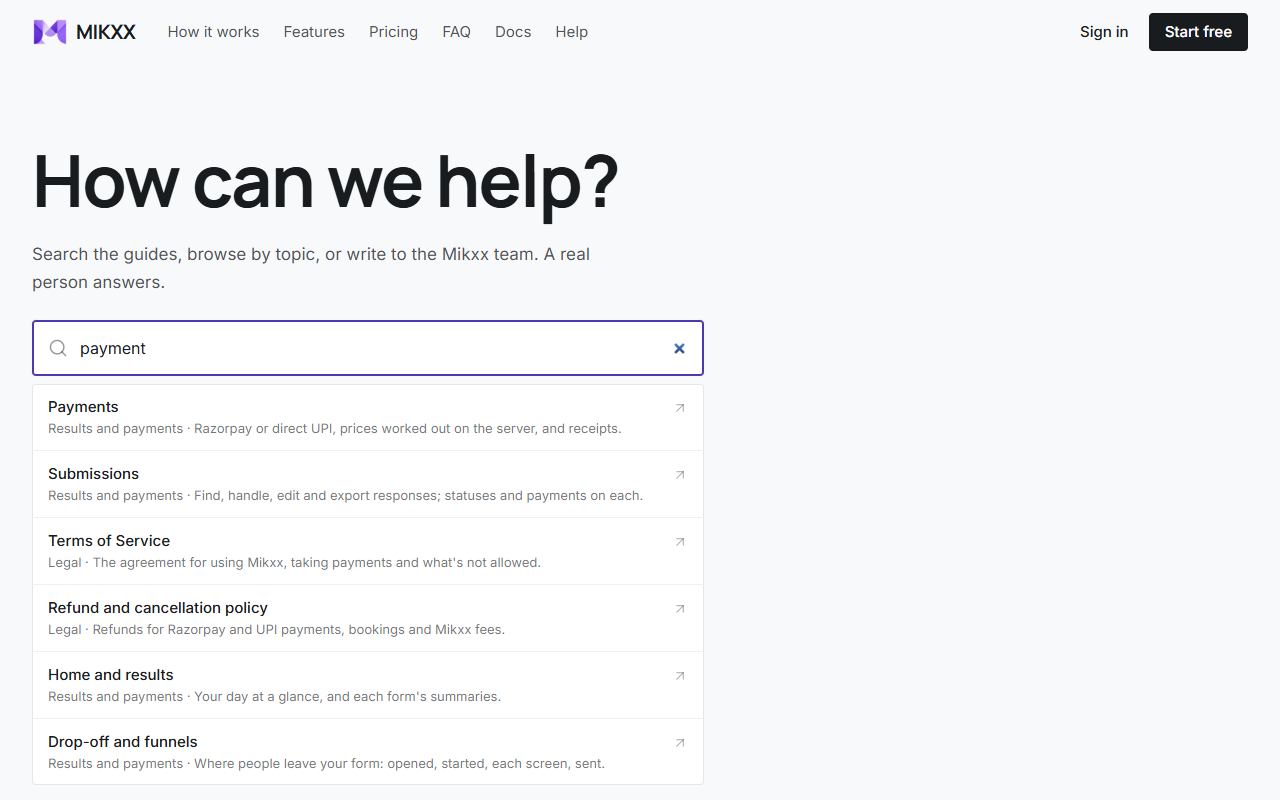
Getting help
Report a bug, send feedback or ask the Mikxx team, and follow every reply.
Open your account menu (bottom left) → Help to reach the Mikxx team. A person reads everything you send and replies on the same page, and by email. When there's a reply you haven't read, a dot shows on your account menu and a count beside Help.
Report a bug
Choose Report a bug and say what happened and what you expected. The report includes the page you were on and your browser, so we can see it too. It never includes your forms, lists or responses.
To show us what you see, choose Add a screenshot, or paste one straight into the message (Ctrl+V or ⌘+V). It can be a PNG, JPEG, WebP, GIF or AVIF picture up to 5 MB, and only you and the Mikxx team can see it. Questions can carry a screenshot too.
The quickest way in is your workspace menu (top left) → Report a bug: it remembers the page you were on.
Send feedback
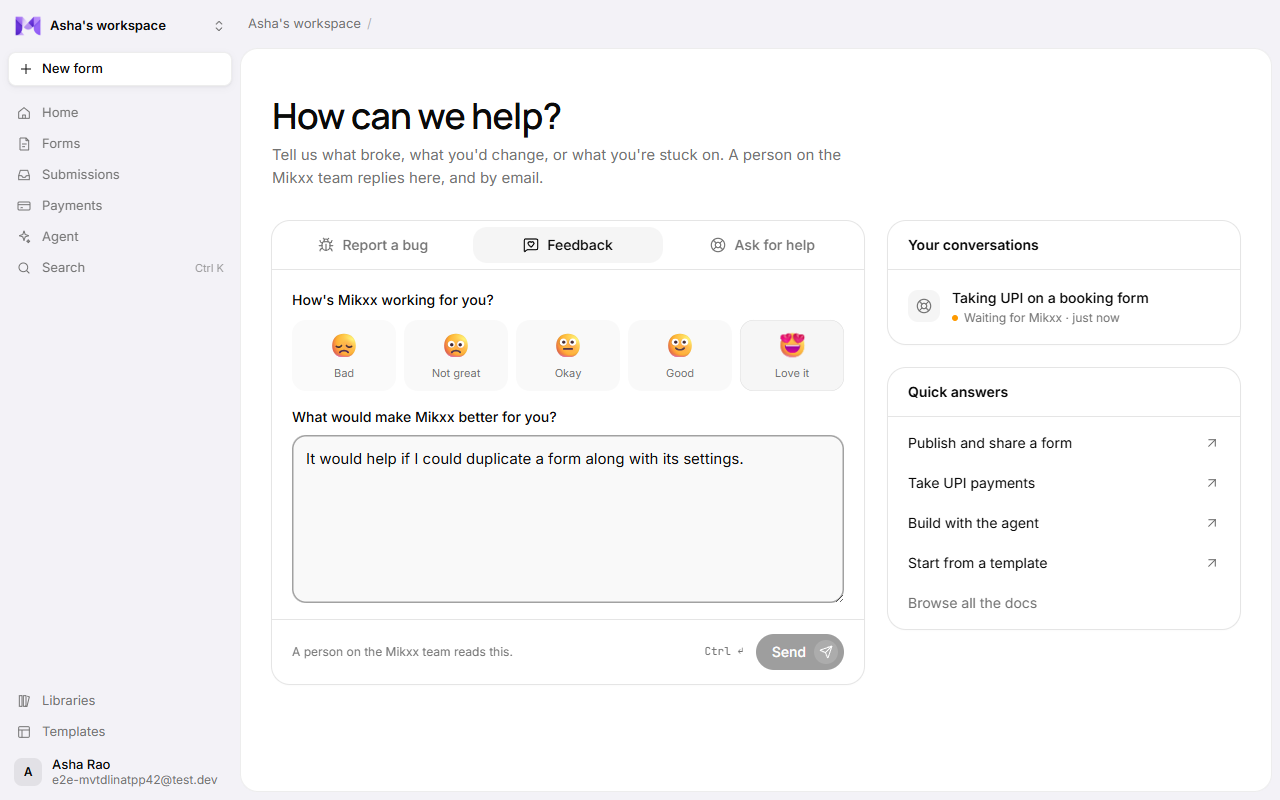
Choose Feedback, pick how Mikxx is working for you (from 😞 to 😍) if you like, and write your idea, what you love, or what's in your way. Your workspace menu has Send feedback too.
Ask for help
Choose Ask for help, add a subject, and say what you're stuck on. For quick answers, the Quick answers list beside it links to the most-read guides.
How soon we reply depends on your plan: Business the same working day, Pro within one working day, and Free as soon as the help desk can. Working days are Monday to Friday, 10:00 to 18:00 India time; a message sent after hours counts from the next working day. See Plans and billing.
Your conversations
Everything you send is listed under Your conversations, newest activity first:
- Waiting for Mikxx: we haven't replied yet.
- Mikxx replied: there's an answer for you. You also get it by email, with a link back here.
- Closed: done. Write in it to open it again.
Open one to read the whole conversation and reply. Press Ctrl+Enter (or ⌘+Enter) to send.
Only you can see your conversations, not your teammates. You can send up to 10 new ones an hour.
Without an account
The public help page at /help (Help in the site's menu and footer) lets you search the guides, browse them by topic, read the common questions, and write to us. Replies to those messages come by email.