Search
Ctrl+K jumps to any form or agent chat by name, or starts something new.
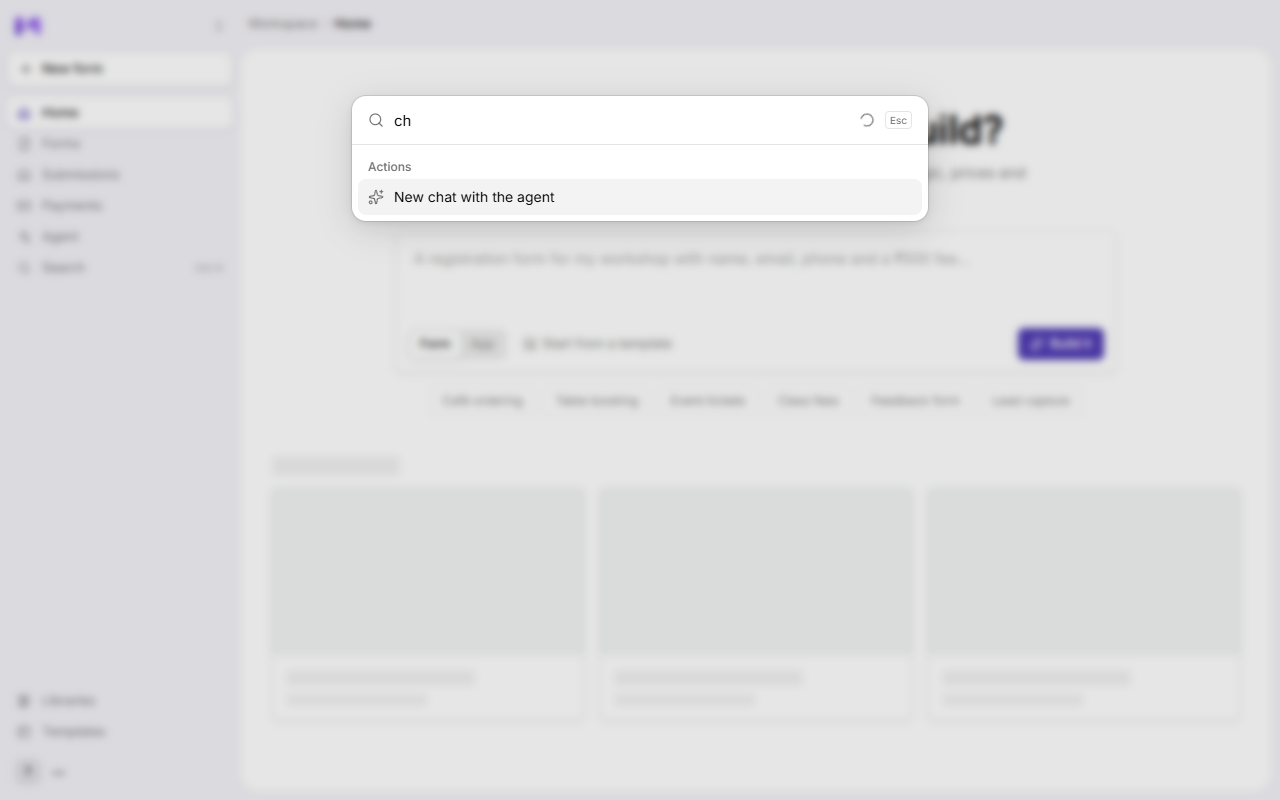
Jump to any form or agent chat by name, or start something new, from anywhere in Mikxx.
Open it
- Press
Ctrl+K(Cmd+Kon a Mac), or - click Search in the sidebar.
Use it
- Type part of a name. Matching forms and chats show under Results, each marked Form or Chat. With nothing typed, you see your Recent ones.
- Actions are always at hand: New form, and New chat with the agent.
- Move with
↑and↓, open withEnter, close withEsc.
Good to know
- Search looks at names. To search inside answers, use the search box on Submissions.
- It only finds what's in your current workspace.